jetskibay / phone demoGuide ↗

YOUR APP, IN THE PICTURE

From screen
to scene.

A screenshot becomes a stock image. A screen recording becomes a phone demo. Bring your screen; the shot is ready.

01 Add your screen

Portrait screens fit best. Landscape screens are centered with padding.

02 Pick your scene

Warm sand, crisp shadows, a steady handheld phone. Every scene stays vertical.

03 Choose your output
04 Create your demo

Your token stays in this tab. Uploads and downloads expire after 24 hours.

Ready when you are.

SOFT-STUDIO9:16
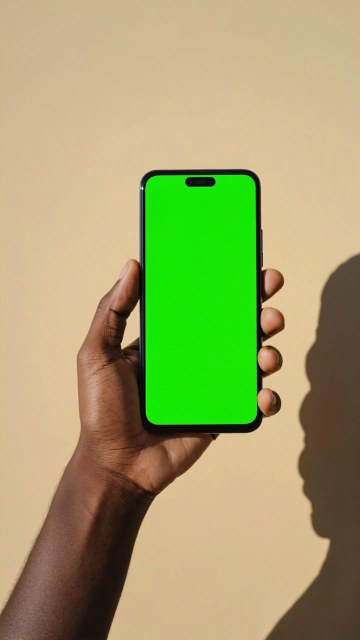
Soft studio: an upright green-screen phone against a warm sand backdrop

The green screen is replaced with yours. The hand, light, and setting stay.